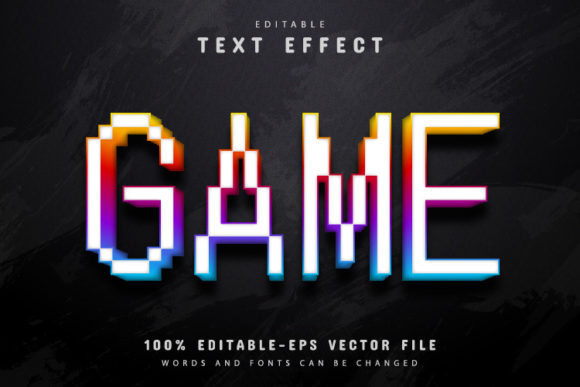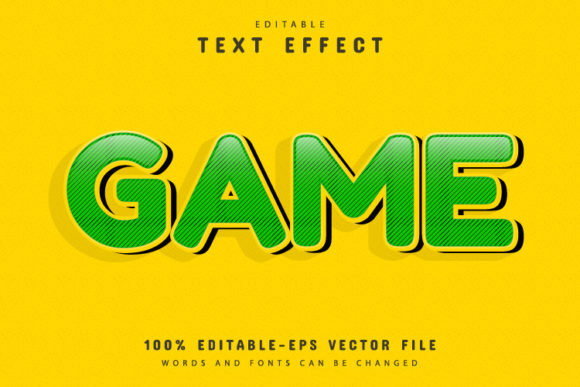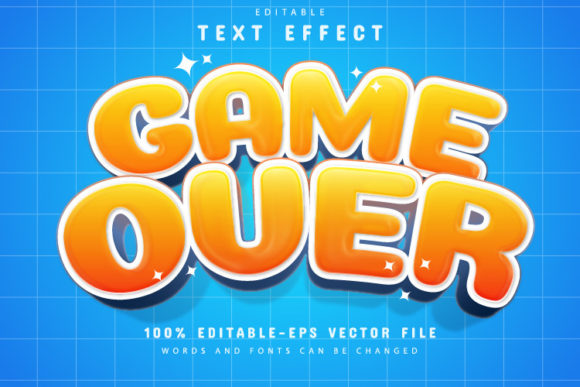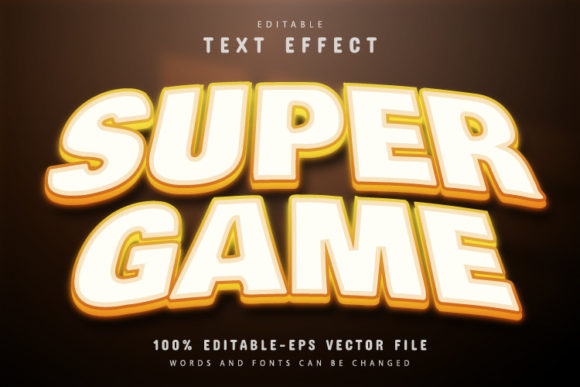
Adventure Game Text Effect: A Vector Design Asset for Dynamic Projects
That classic, pixelated glow of an arcade title screen or the rugged, chiseled look of a fantasy game logo has a unique power. It instantly communicates adventure, challenge, and a sense of epic narrative. For designers and creators, capturing that specific visual energy can be a game-changer for a project. This is where a versatile asset like the Adventure Game Text Effect comes into play. It's not just a font; it's a complete, editable vector design system that delivers that iconic, action-oriented aesthetic with professional-grade flexibility.
More Than a Font: A Fully Editable Design System
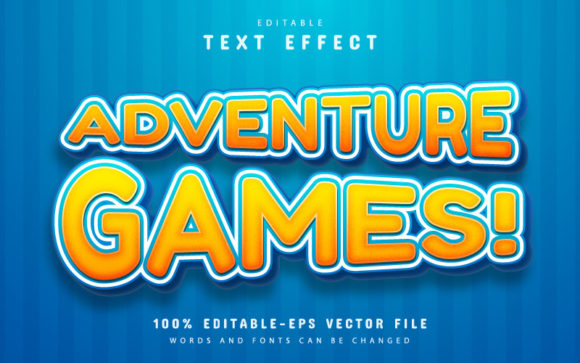
At its core, this asset is built for practicality. Supplied in both EPS and JPG formats, it's engineered for Adobe Illustrator, meaning you get true vector scalability. Enlarge the text for a massive trade show banner or shrink it for a favicon—the sharp, crisp quality remains perfect. This is the fundamental advantage of vector design over rasterized images. The "100% editable" promise is where the real creative power lies. You aren't locked into a single color scheme or size. The text itself is fully editable, allowing you to type any word or phrase you need. Furthermore, the color variations are unlimited. Within Illustrator, you can recolor the gradients, outlines, and glows to match any brand palette or project mood, transforming a fiery orange effect into icy blue or sleek silver in minutes.
Practical Applications Across Creative Fields
The visual language of adventure and gaming is surprisingly versatile, lending itself to projects far beyond the gaming industry. Its bold, textured appearance makes it a standout choice for numerous applications.
- Branding & Logo Design: For businesses in tech, entertainment, outdoor gear, or even fitness, this effect can forge a strong, memorable logo. It conveys energy, innovation, and a bold personality. Imagine a logo for a podcast about entrepreneurship or a new energy drink.
- Packaging & Merchandise: Product packaging for snack foods, beverages, or any youth-oriented product can use this text effect to grab attention on crowded shelves. It translates exceptionally well to merchandise like t-shirts, hats, and stickers, where a striking graphic is paramount.
- Digital & Social Media: Create eye-catching YouTube thumbnails, Instagram story headers, or podcast cover art. The effect guarantees your content stands out in a fast-scrolling feed. It's equally effective for website hero sections or blog post titles that need to make an immediate impact.
- Print & Editorial: Use it for event posters, festival flyers, or magazine headlines to inject a dose of excitement. It’s perfect for invitations to a themed party or a corporate "quest" team-building event.
- Marketing & Digital Products: Elevate your marketing assets, such as email headers, webinar titles, or sales page banners. For creators selling digital products, like online courses or ebooks, the effect can make your product title feel more substantial and premium.
Enhancing Your Visual Communication Strategy
Choosing a typeface with this level of built-in character does more than just decorate—it solves communication problems. A well-executed text effect like this can significantly improve the professionalism and clarity of your work.
Visual Consistency & Brand Recognition: When you find a style that resonates with your brand's voice, using it consistently across touchpoints builds recognition. The Adventure Game Text Effect provides a distinct visual signature that audiences can learn to associate with your brand's energy and values.
Readability with Impact: While highly stylized, these display fonts are designed for short, impactful bursts of text—headlines, titles, and logos. They excel in these roles by being instantly legible at a glance while conveying a specific mood, which is the perfect balance for grabbing attention. The key is to pair them with a clean, neutral body font for longer paragraphs to maintain overall readability.
Professional Presentation: Using a polished, custom-looking text effect immediately elevates a design from amateur to professional. It shows attention to detail and a deliberate choice in visual strategy, which builds trust with your audience.
Getting Started and Making It Your Own
The asset is designed for ease of use, requiring no advanced skill to get started. The process is straightforward: open the provided EPS file in Adobe Illustrator CS or higher. With the Type Tool (shortcut "T"), simply click on the existing text to select it and type your own words. The effect applies automatically to your new text. From there, you can explore the layers and appearance panel to tweak colors and effects.
When integrating this into a project, consider a few best practices. First, font pairing is crucial. Balance the bold, adventurous display font with a simpler sans-serif or serif font for body copy. Think of pairing it with a clean font like Helvetica or a classic serif like Garamond. Second, always test for context. A logo needs to work at a very small size, so check if the core shape of the letters remains clear. For a poster, ensure the text has enough surrounding space to breathe. Finally, review the included font information. Often, these packages include links to free fonts used in the preview, allowing you to maintain stylistic harmony in supporting text.
Remember to verify the commercial licensing of any design asset. Most reputable resources include a license that allows for commercial use in client projects and products, but it's always a responsible practice to double-check the terms for your specific use case. This ensures your work remains legally sound, whether you're a freelancer, a small business, or a hobbyist selling your creations.
Ultimately, the right design asset is one that saves you time while expanding your creative possibilities. A versatile, editable vector text effect provides a powerful shortcut to achieving a high-impact, professional look that resonates with audiences, making it a valuable component of any modern designer's toolkit.