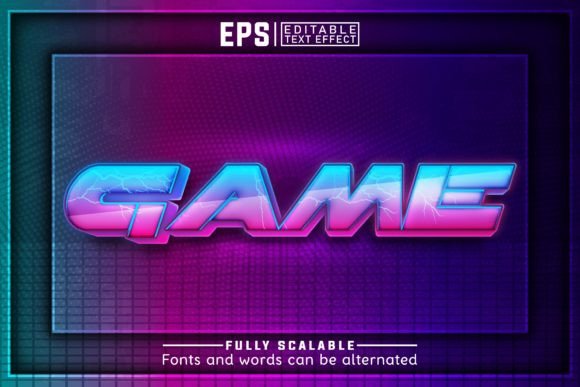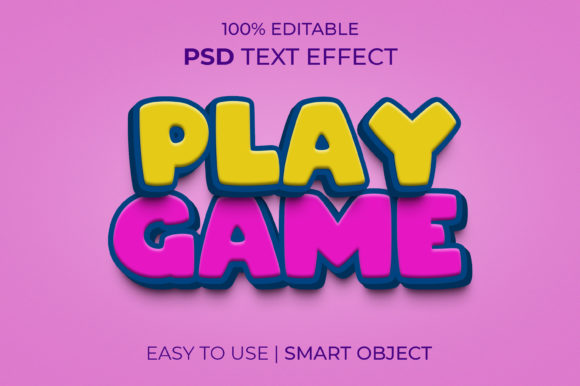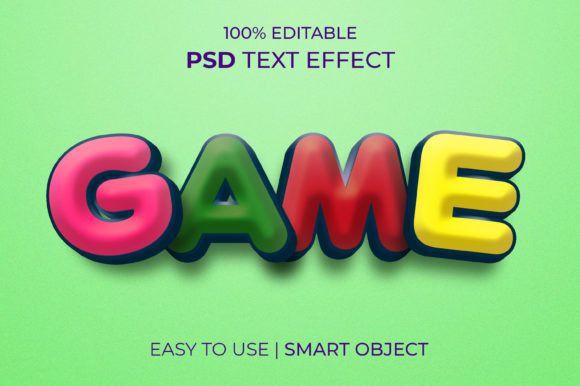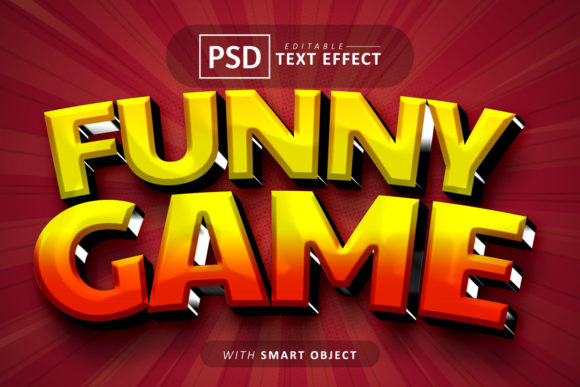
Instant Game-Ready Graphics: A 3D Text Effect for Photoshop
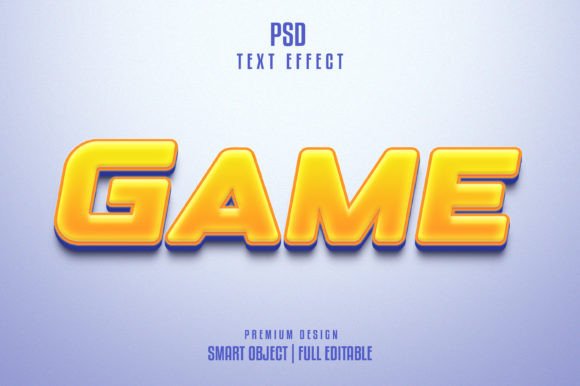
There is a specific kind of frustration that hits around 4:00 PM on a Friday. You have a mockup ready for a client, a social media campaign scheduled for Monday, or a new logo concept that needs a bit of "pop," but you are stuck on the typography. You know the text needs to stand out, but standard flat fonts feel too corporate, and manually shading a 3D letterform in Photoshop takes hours you simply do not have. This is where the workflow bottlenecks, and that is exactly the scenario where a specialized design asset like the PSD 3D Text Effect Fun Game Style steps in to bridge the gap between a rough idea and a polished final product.
The Psychology of Playful Dimension
In visual communication, dimension implies value and importance. When we see a flat text logo, it reads as informational. When we see a 3D text effect—specifically one with a "fun game" aesthetic—it triggers a different psychological response. It suggests interactivity, excitement, and youthfulness. This isn't just about making letters look thick; it’s about invoking a sense of nostalgia for arcade cabinets and modern mobile gaming interfaces.
The visual appeal of this specific style lies in its ability to mimic depth without requiring a degree in 3D modeling software like Cinema 4D or Blender. It utilizes light, shadow, and texture to create a tactile feel. For a small business owner launching a new mobile app, or a content creator designing a thumbnail for a gaming channel, this style immediately communicates the genre. It bridges the gap between a standard logo design and a full-blown illustration, offering a middle ground that is both professional and spirited.
Streamlining Workflow with Smart Objects
The true value of modern design assets is measured in time saved. In the past, achieving a high-quality 3D text effect required a steep learning curve. You had to understand bevels, embossing, lighting angles, and rendering engines. The PSD 3D Text Effect Fun Game Style changes this dynamic entirely through the use of Smart Objects.
If you are unfamiliar, a Smart Object in Photoshop is essentially a container that preserves the source content of an image with all its original characteristics. In practical terms, this means you do not need to manually adjust shadows or highlights when you change the text. The process is remarkably straightforward: you open the Smart Object layer, type your new text, save, and close. The effect wraps around your typography automatically.
This "one-click" capability is not just a marketing slogan; it is a functional necessity for high-volume creators. If you are a social media manager creating daily stories, or a print-on-demand seller generating designs for merchandise, you cannot afford to spend thirty minutes per asset. This premium font style effect allows you to batch produce high-quality visuals, ensuring your visual consistency remains high even when your production schedule is aggressive.
Practical Applications Across Industries
While the name suggests a specific niche, the utility of a bold, dimensional text effect is surprisingly versatile. It serves as a powerful tool in your arsenal of creative fonts and effects, applicable to a wide range of commercial and personal projects.
- Gaming and Entertainment: This is the obvious home run. Whether you are designing a banner for a Twitch stream, creating a title screen for a mobile game, or designing flyers for a local esports tournament, the "fun game" aesthetic provides the necessary energy.
- Children’s Education and Products: Parents and children respond to colorful, engaging visuals. If you are designing packaging for a toy, a cover for a children’s book, or graphics for an educational app, this text effect instantly signals that the content is approachable and age-appropriate.
- Event Invitations: Think beyond formal weddings. For birthday parties, especially for kids or young adults with a gaming theme, this effect turns a digital invite into a keepsake. It adds a level of excitement that a standard serif or sans-serif font cannot match.
- Merchandise and Apparel: Bold text sells well on T-shirts and mugs. The 3D aspect adds depth that looks great on fabric. A simple slogan rendered in this style can become the centerpiece of a commercial font driven design for platforms like Etsy or Redbubble.
- Website Headers and Blogs: For lifestyle blogs or marketing sites that want to break away from the "corporate gray" look, using this effect for section headers can add personality and break up the visual monotony of a long page.
Enhancing Brand Recognition and Engagement
Typography is the voice of your brand. If your brand voice is energetic, playful, and bold, your typography must reflect that. Using a standard sans serif font might be clean, but it rarely creates an emotional reaction. Conversely, the PSD 3D Text Effect Fun Game Style is designed to stop the scroll.
In the realm of brand identity, consistency is king, but distinctiveness is the queen that captures the audience. By utilizing a unique text effect for your key marketing assets—such as sale announcements, new product launches, or call-to-action buttons—you create a visual shorthand for your audience. They begin to associate that specific style of text with your brand’s voice.
Furthermore, this effect aids in readability in specific contexts. While you wouldn't use a heavy 3D effect for body copy, for headlines and titles, the added depth and shadow can actually help the text stand out against complex backgrounds or busy photography. It creates a focal point that guides the viewer's eye exactly where you want it to go.
Technical Considerations and Best Practices
To get the most out of this asset, it helps to understand a few design principles. Even though the file is 100% editable and requires no advanced skills, applying a bit of strategy will yield better results.
Font Selection Matters: While the file comes with a recommendation for a free font, you are not strictly bound to it. The effect works best with bold, heavy typefaces. Think display fonts, chunky serif fonts, or rounded script fonts. Thin, delicate fonts often get lost in 3D effects because there isn't enough surface area for the shadows and highlights to render effectively. If you want to experiment, look for fonts with a strong weight—often labeled as "Black," "Heavy," or "Ultra."
Color Context: The provided PSD usually comes with a specific color palette, but because it is editable, you can change the background color to match your brand. Pay attention to contrast. A bright, neon game-style text effect often looks best against dark backgrounds (like deep grays or blacks) to simulate that "screen glow" look. However, it can also work on lighter, pastel backgrounds for a more retro candy aesthetic.
File Management: The package includes both a PSD file and a Jpeg file. The JPEG is great for a quick preview or if you need a static image immediately, but the PSD is your workhorse. When working in the PSD, ensure you are saving your progress frequently, especially before committing changes to the Smart Object.
Integrating with Existing Design Systems
One common hesitation with highly stylized effects is that they might clash with an existing brand identity. This is where font pairing comes into play. If your brand uses a clean, modern sans-serif for its body text, using a 3D game-style effect for headers can actually work quite well—provided you don't overdo it.
Think of it as "accent typography." Just as you might use a bold color only for call-to-action buttons, you can use the 3D effect only for your most important headlines. This creates a hierarchy that is visually interesting. For example, a website selling tech gadgets could use a clean Helvetica or Roboto for product descriptions, but use this 3D effect for the "New Arrivals" or "On Sale" banners. This contrast draws attention without overwhelming the user.
Commercial Licensing and Usage
For entrepreneurs and business owners, the legal side of design assets is just as important as the visual side. When downloading assets like the PSD 3D Text Effect Fun Game Style, it is crucial to review the included Readme txt file. This document usually outlines the licensing terms—specifically, whether the asset can be used for commercial projects (like client work or merchandise) or if it is restricted to personal use.
Most assets in this category are designed for broad usage, allowing you to incorporate the final rendered text into your products. However, you typically cannot resell the raw PSD file itself to others. Understanding these boundaries ensures that your business practices remain professional and compliant, protecting you from future headaches.
Ultimately, design is about problem-solving. Whether you are a freelancer trying to impress a client with a dynamic logo concept, or a hobbyist making a banner for a community Discord server, the goal is to communicate a message effectively and memorably. The PSD 3D Text Effect Fun Game Style offers a specialized solution for a common problem: how to make text look exciting, tactile, and professional without spending hours on manual rendering. It leverages the power of Smart Objects to democratize high-end visual effects, putting the power of modern typography into the hands of anyone with a copy of Photoshop.